Keep your Desktop
Grouped
Folders on your desktop open like folders on a phone, not as Explorer windows.
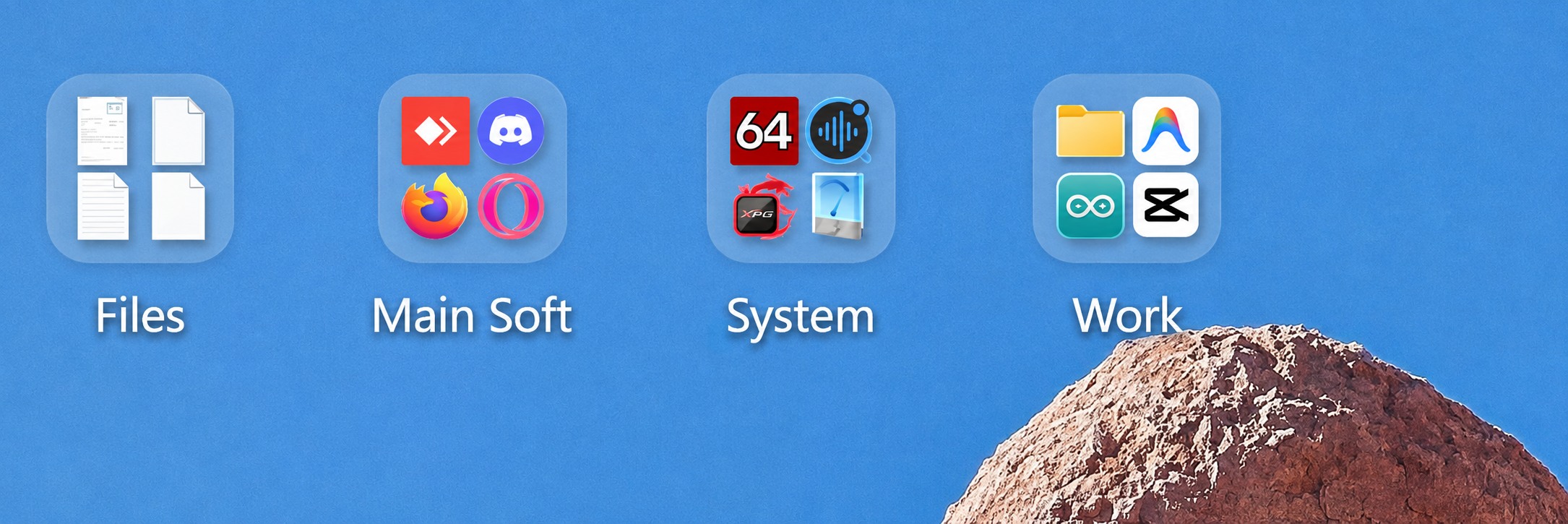
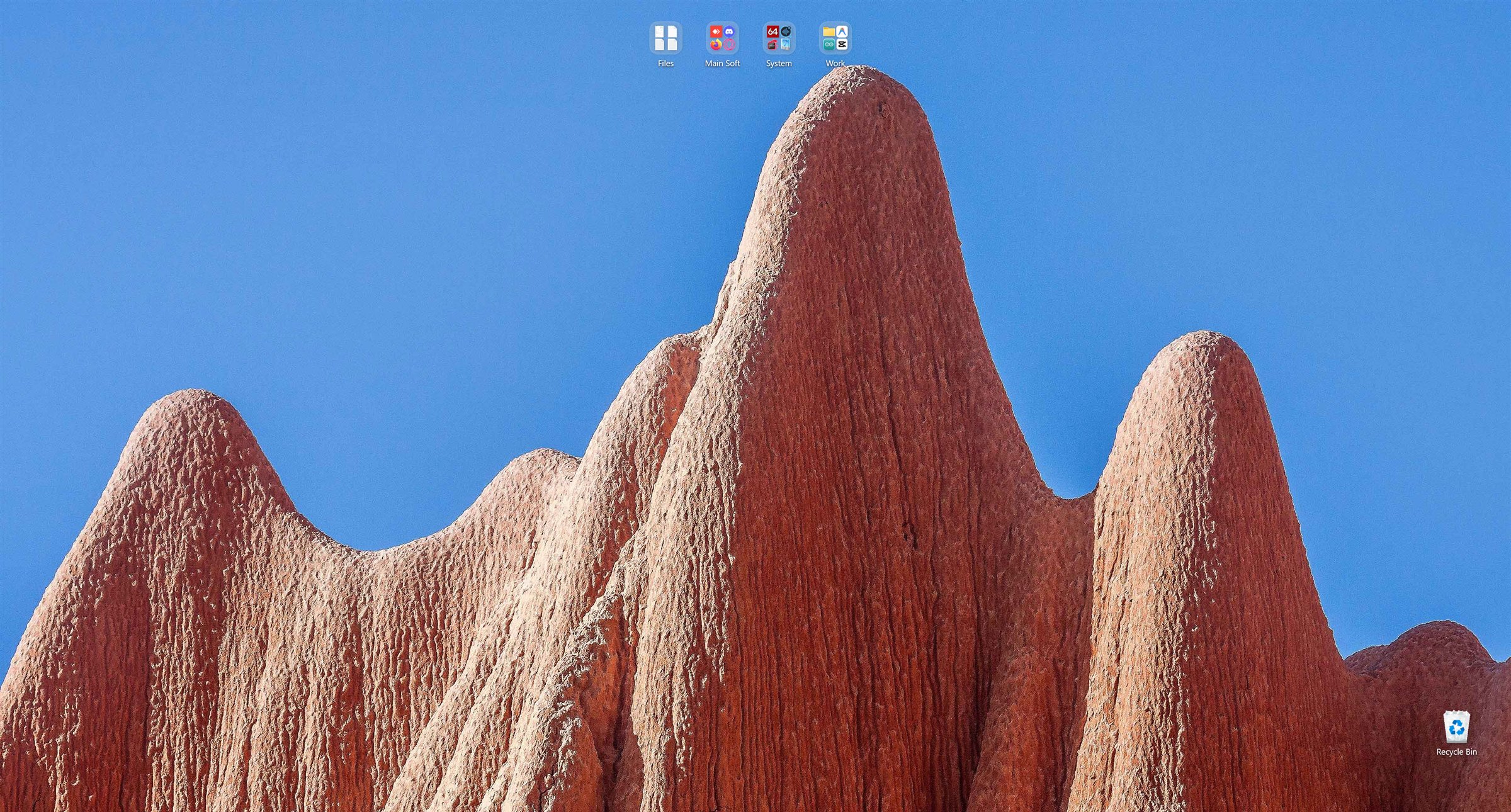
A real desktop. Four folders, four groups.
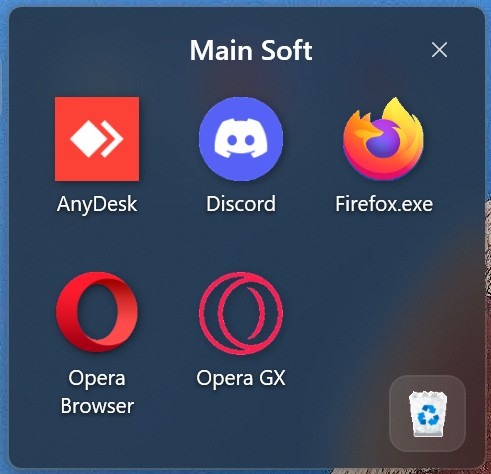
Double-click and the folder opens right there.
Drop one icon on another, get a group
Exactly what a phone does. A folder appears on your desktop, both files move into it, and its icon shows a preview of what is inside.
The context menu is the real one
Commands are built by the shell itself, so entries added by other programs are all there: archivers, Git, cloud clients, Send to. Short list first, everything else behind one click.
A bin inside every group
Drag a file onto it to delete, click it to browse what is already deleted, and drop anything on the restore zone to send it back where it came from.
Sized by Windows, not by us
Icon size is read from File Explorer, so groups match the rest of your system on any display scale. Pick your own size and it holds until you change it in Windows.
Download
Get Desktop Groups
Two builds, same app. Pick the standalone one if you are not sure.
1.0.0
Released for Windows 11, 64-bit
- No installer, no admin rights, no background service
- Groups are ordinary folders, files are never moved on their own
- Quit from the tray and the standard desktop is back
Checksums
The build is not code signed yet, so verify the file you got matches the one published here.
99A2AC51A59DDBD5A02627657E88FDB07595BB0A29ADDC2DE2DEF9698A0246EB
2F072EEC3CD232BC5894F6C93C543DA4D65F46BB188249EF9840A86AADD60220
Get-FileHash .\DesktopGroups-1.0.0-standalone.exe
Windows will warn you on first run. Without a code signing certificate SmartScreen shows "Windows protected your PC". Choose More info, then Run anyway. A certificate is on the list; until then the checksums above are the way to confirm the file is intact.
Questions
Good to know
The short answers to everything people ask first.
Does it move or rename my files?
No. A group is a real folder on your desktop, so files move only when you drag them into a group yourself, which is a normal file move.
What happens to the Windows icons?
They are hidden while the app runs, using the same switch as View, Show desktop icons. Quitting from the tray brings them back.
Is that really the shell menu?
Yes. Commands come from the shell, so entries added by other programs work too. The Windows 11 XAML menu cannot be shown by other apps, so it is drawn in the same style.
Multiple monitors?
The grid is drawn on the primary monitor. Other screens keep the standard Windows desktop, so nothing breaks, they just do not show groups yet.
Where are settings kept?
In %APPDATA%\DesktopGroups\settings.json: icon size, click mode and the position of every icon. Delete it and the layout is rebuilt.
Does it slow the system down?
It is a single lightweight window with no background service. Icons come from the same shell cache Explorer uses, and the app idles at almost no CPU.
Why does SmartScreen complain?
Because the file is not code signed yet. The published checksums let you confirm you have the exact file from this page.
Can I keep my layout?
Yes. Icon positions are saved and restored between launches, and stay put when Windows changes resolution or scale.